Create Template
The purpose of this tutorial is to show how to create a report template.
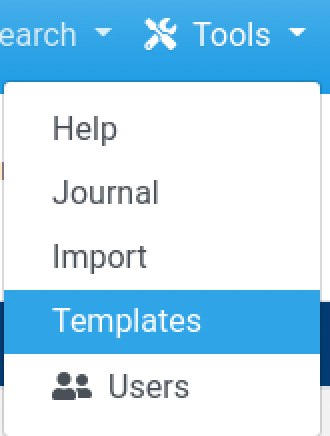
- To get to the template screen click the tools button located at the top right section of the screen, and then click the Templates option.
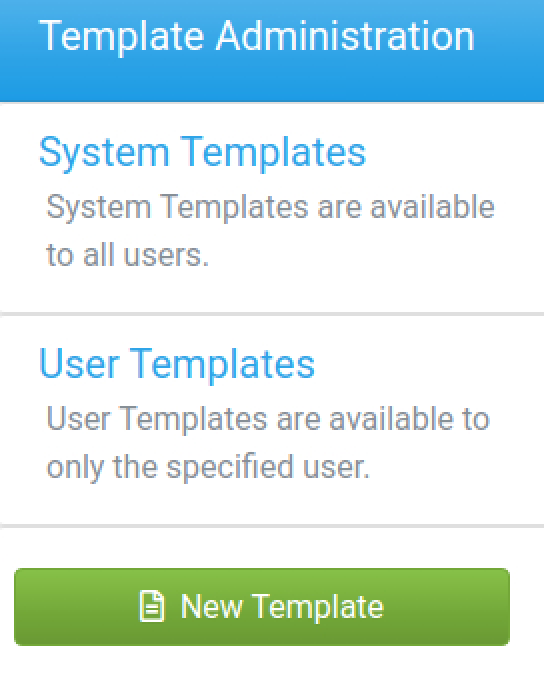
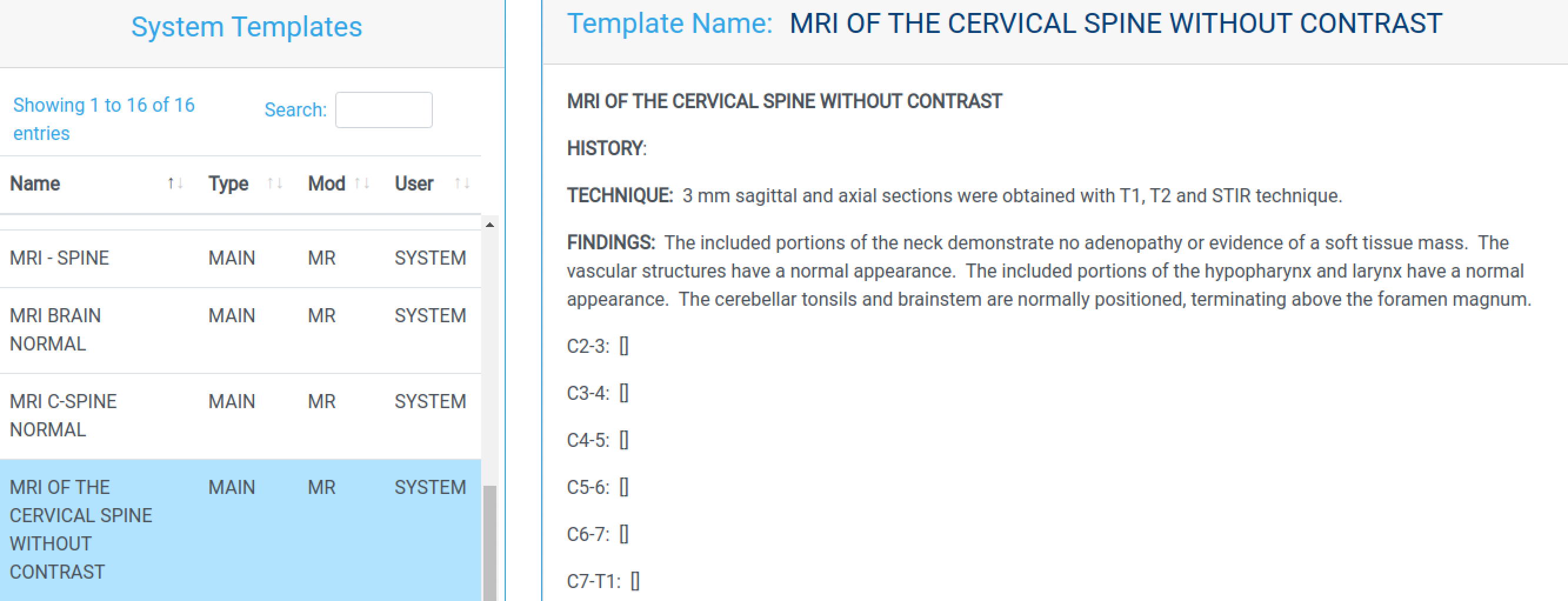
- Opening the side menu on the templates screen shows options for viewing templates and a button for adding one. There are two types of templates, System templates are available to everyone while User Templates are locked to specific users. Clicking one of the options will show a list of all templates of that type, selecting one from the list will show you the template's details.
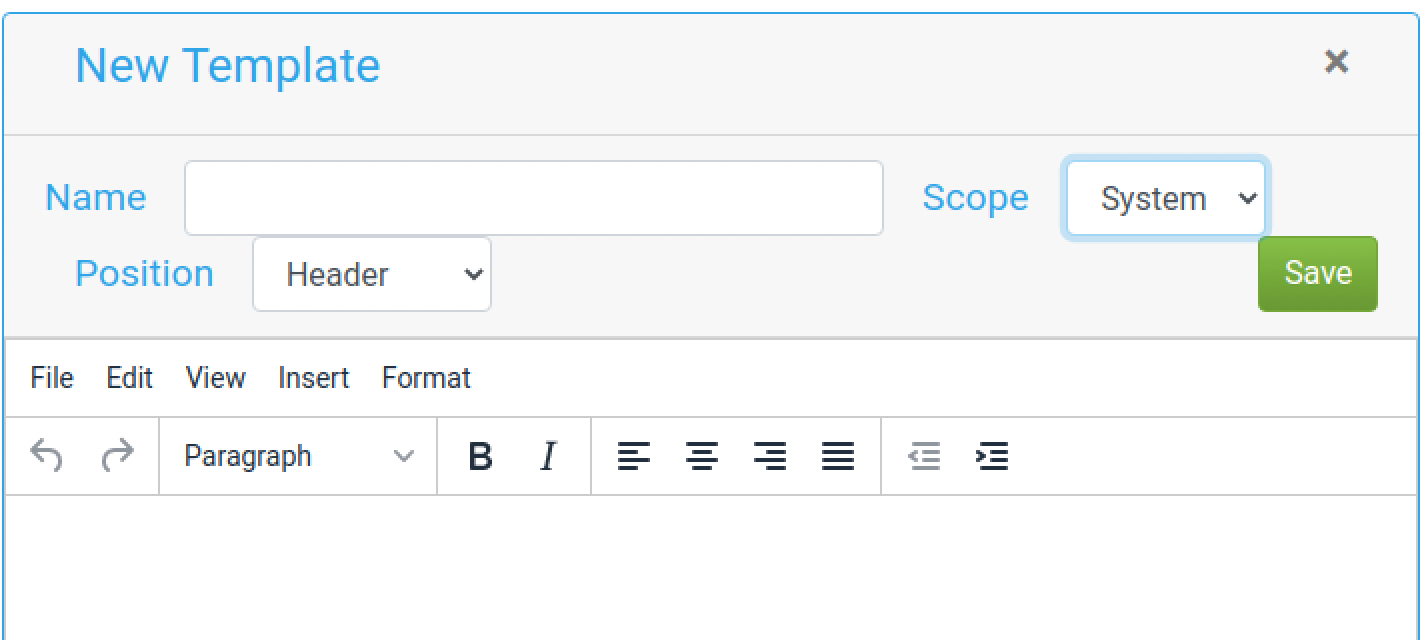
- Clicking on the Add Template button on the side menu will open the template editor. Here options like the template's name, system scope, report position, and content can be chosen. Clicking the save button will add the template and reroute to the templates screen.
- To view the new template create a new report for a study and select the template from its dropdown, which are sorted by the report position.